

iOS (iPhone) · Available on the App Store
MyAbonPlus
The simple iOS app to track all your subscriptions in one place.
I share practical notes on PKM, AI workflows, JavaScript, and the systems I use to ship projects more clearly and with less friction.
Recent articles, with the archive one click away.

A knowledge system only earns its place when notes leave it — the output test I now apply to my Obsidian vault

Custom software used to be a luxury reserved for people with a budget. With AI, a tool shaped exactly like my workflow costs less than adapting to a generic one — which quietly changed what I build, what I still buy, and where the line between the two sits.

Capture feels productive, but every note I save creates a future obligation. Here is how I learned to treat my Obsidian inbox as a temporary gate, not a place where ideas go to die.

My Obsidian vault and my Hugo blog speak different dialects of Markdown, so I built HugoBridge — an Obsidian plugin that validates, transforms, and exports a note into a clean Hugo page bundle in one explicit command

Vibe coding promises instant apps. After shipping Lemonize and MyAbonPlus with AI, here's why real AI-assisted development looks more like product management than magic.

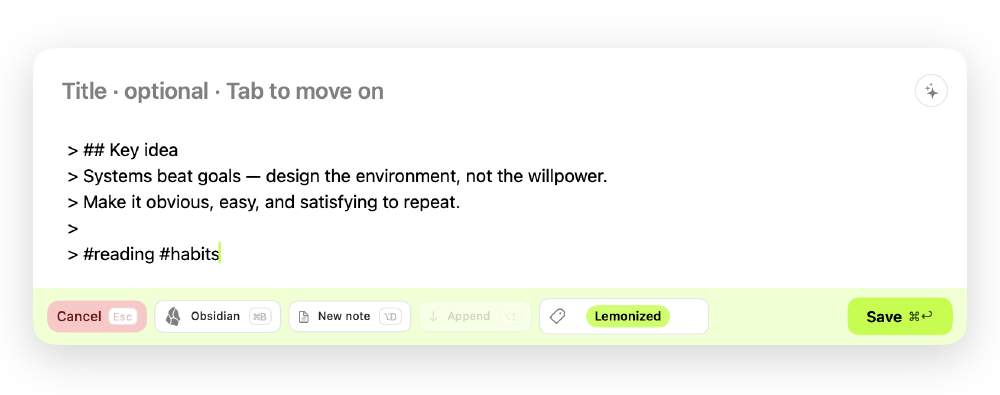
Obsidian never had a fast way to capture an idea from anywhere on the Mac, so I built Lemonize — one shortcut, zero permissions, and it now feeds Bear and DEVONthink too.

What we call 'Obsidian' is really separate, replaceable layers — storage, format, UI, agent. Counting how many you can swap without touching the others is the real test of whether your notes app owns you.

LM Studio just turned from a model runner into a full AI agent for open models. Here's what Bionic is, how it works, and what it says about where local AI is heading.

Every AI session has a token economy: prompt, context, agent work, and the answer. I break down where the tokens really go, what Caveman actually saves, and why the trick works far beyond coding agents.

OpenAI shipped a new model family, but the real shift is the app: ChatGPT now bundles Chat, Work, and Codex — and picking the right space matters more than picking the right model.

CLAUDE.md, AGENTS.md, a one-page identity file, a skills folder, and a set of maps to my key notes — the whole AI layer on top of my Obsidian vault is plain markdown I own, not configuration locked inside any single tool.

PARA organizes my vault by how actionable a note is, not by its subject — and pairs with a Zettelkasten so the thinking survives the projects.

I own my notes. I own my blog. So why does my data leave the building every time I prompt an AI? Running a model locally is the next chapter of the same old conviction.

Obsidian is powerful because it can stay simple: local files, plain text, links when needed, and just enough structure to keep thinking calm.

The exact pipeline I run to turn web clippings and highlights into atomic, linked permanent notes — Claude does the structuring, I stay the curator.

The tools that survive my stack aren't the most powerful. They pass one quiet test: ownership, reliability, and a clear way out.
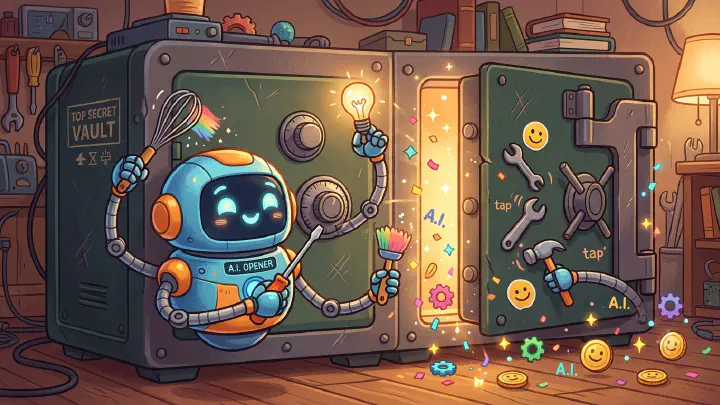
I kept AI out of my Obsidian vault for years. MCP changed the equation — not by making the vault smarter, but by giving AI a specific job with a clear boundary and a review step.
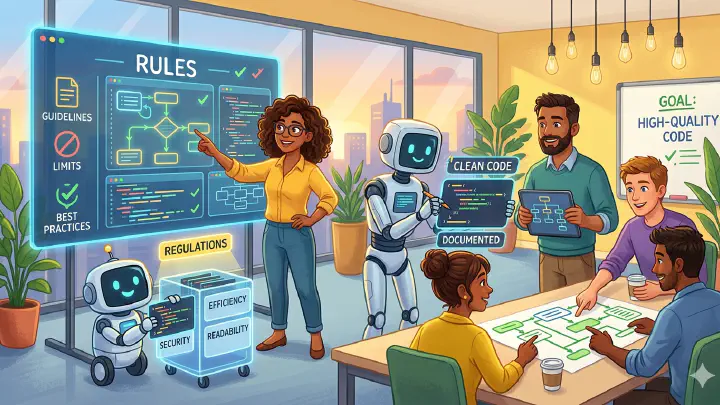
A simple CLAUDE.md file based on Andrej Karpathy's observations about coding agents became wildly popular because it solves a real problem: AI agents are powerful, but not disciplined by default.

AI coding agents become more useful when I stop treating them as smarter autocomplete and start treating them as delegated workers with clear inputs, boundaries, and verification.
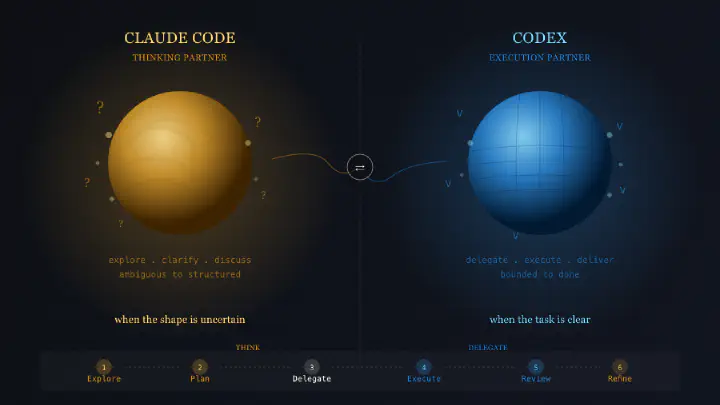
I stopped asking whether Claude Code or Codex is better. The useful question is simpler: am I exploring a problem, or am I delegating a bounded task?

Mole is an open-source macOS utility that does the job of four apps I was paying for separately — for $9 once, no subscription. Here is why I switched.

How I set up a GitHub Actions workflow that automatically builds my Hugo site and deploys it via FTP — zero manual steps, zero server management.

After 15 years of WordPress complexity, I ditched the backend, the plugins, and the database overhead in favor of Hugo — a static site generator that lets me write everything in Obsidian, build in under a second, and finally own my content the way I always should have.

Discovering SuperWhisper, a voice-to-text AI tool that transforms the way you capture thoughts and write content by speaking instead of typing.

The story of using AI tools like Cursor, ChatGPT, and V0 to build and publish an iOS subscription tracker app from idea to App Store.

After years of Setapp subscription, subscription fatigue led to replacing four paid apps with free alternatives while keeping what truly matters.

Notion is a very popular productivity app, versatile, powerful, and beautifully designed, but long-term reliability and control over data matter most.

I’ve penned an article detailing my two-year journey with Obsidian, and I’m eager to further delve into my daily interactions with this formidable tool, highlighting how I orchestrate my projects.

In today’s rapidly evolving digital landscape, we are inundated with a plethora of note-taking and knowledge-management tools.

Today I’m excited to share my two-year adventure with Obsidian, a versatile note-taking application that has become an essential part of my daily life.
No recent articles in this topic yet.
Small, focused tools I build to make everyday work simpler.
iOS (iPhone) · Available on the App Store
The simple iOS app to track all your subscriptions in one place.
macOS · iOS · iPadOS · Available on the App Store
Capture ideas on Mac, iPhone, and iPad, then send them to Obsidian, Bear, or DEVONthink.
Obsidian theme · Free · MIT license
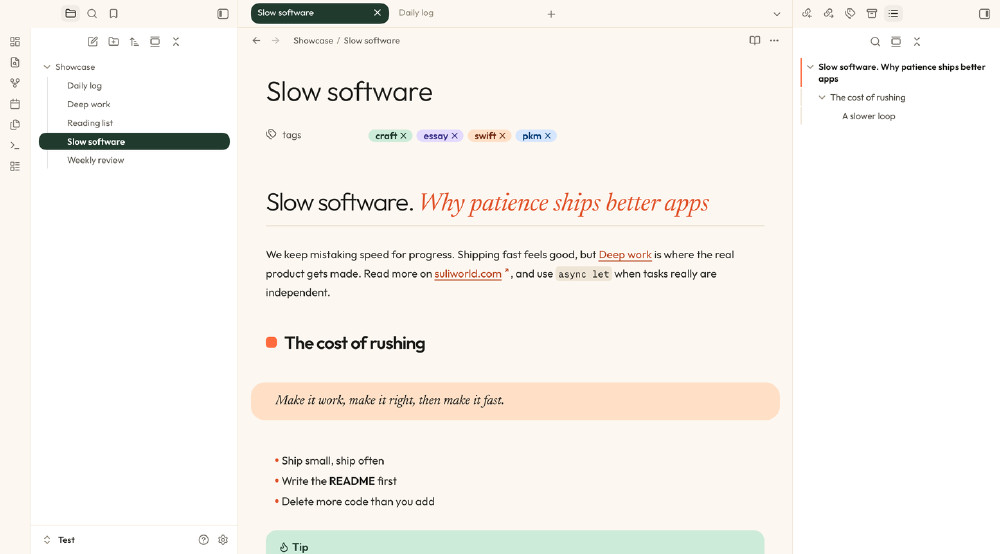
A warm, editorial theme for Obsidian: cream paper, forest green, serif accents, and bullet journal signifiers you make your own.